
You can now model both linear and non-linear functions on Tuva! Here are a few examples of the elementary functions that the function editor supports.
Explore live examples by clicking in the graphing area, or on the link next to the function. (Note: You will need to open the function editor by clicking f(x) in the toolbar above the graphing area. For more detailed instructions on tweaking the parameter, see how to create non-linear models.)
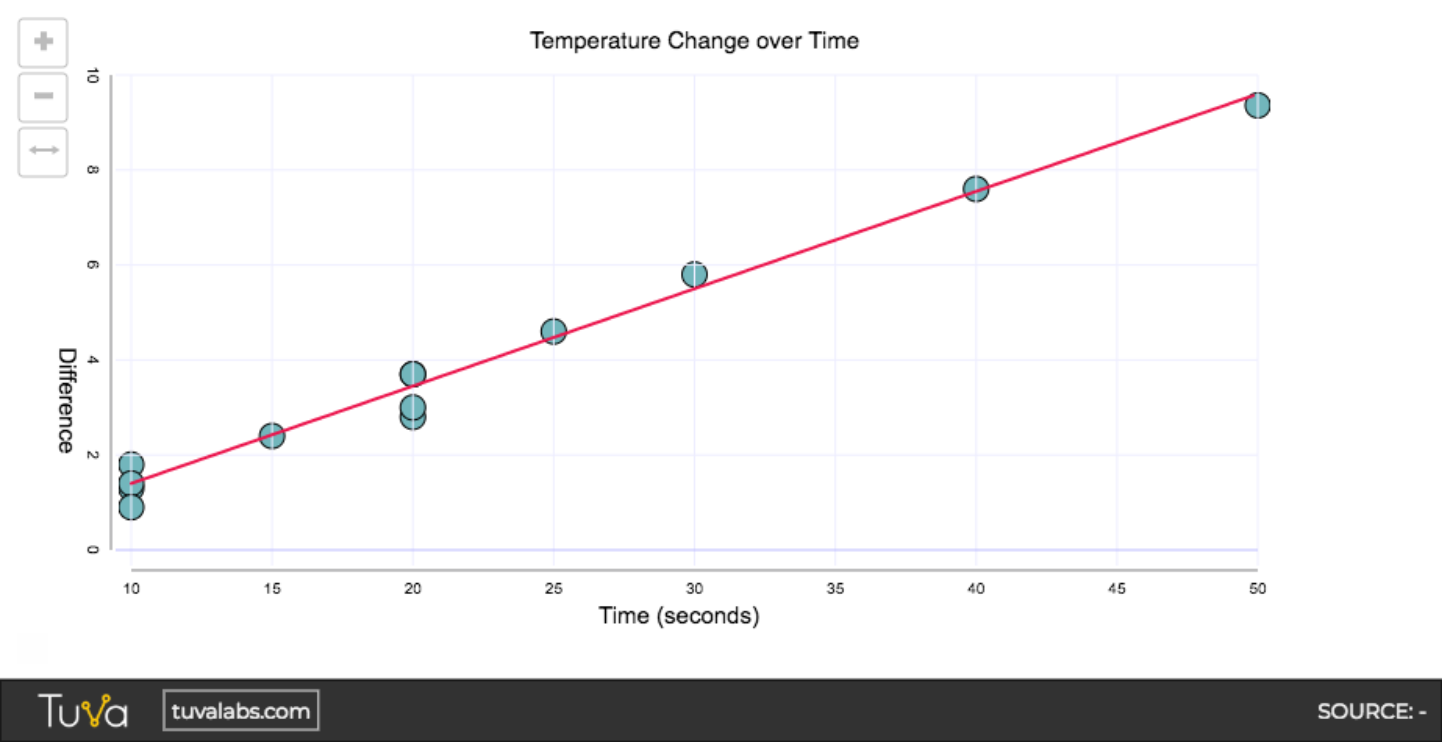
Linear
Section titled “Linear”y = mx + b [Check out a live link.]
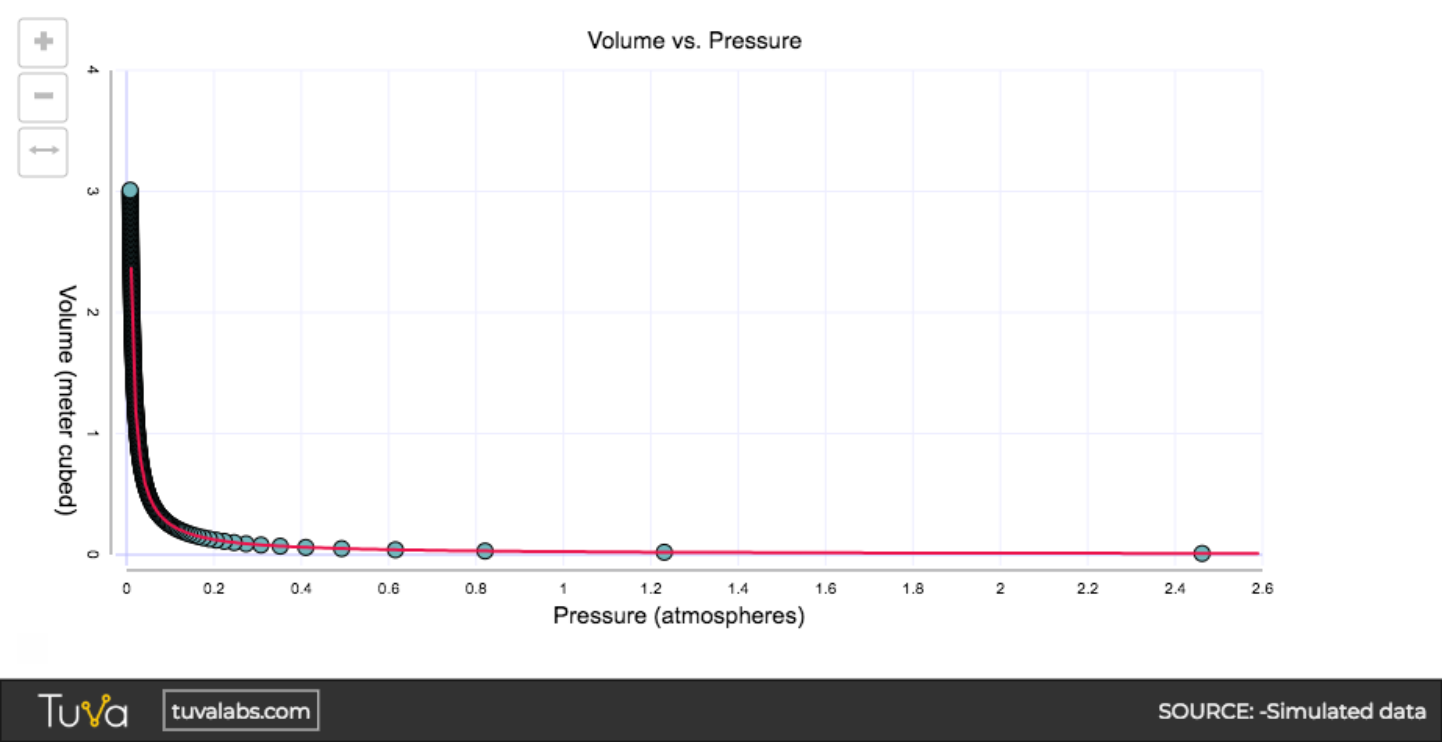
Inverse
Section titled “Inverse”y = k/x [Check out a live link.]
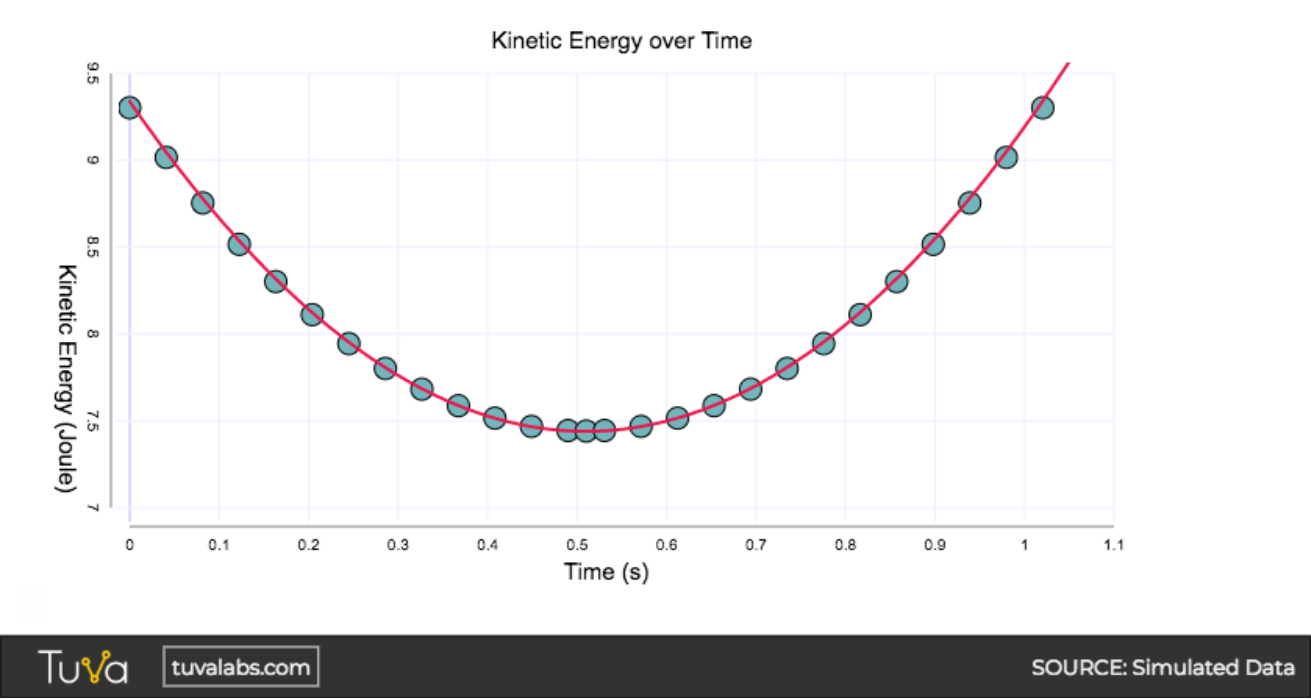
Quadratic
Section titled “Quadratic”y = x2 [Check out a live link.]
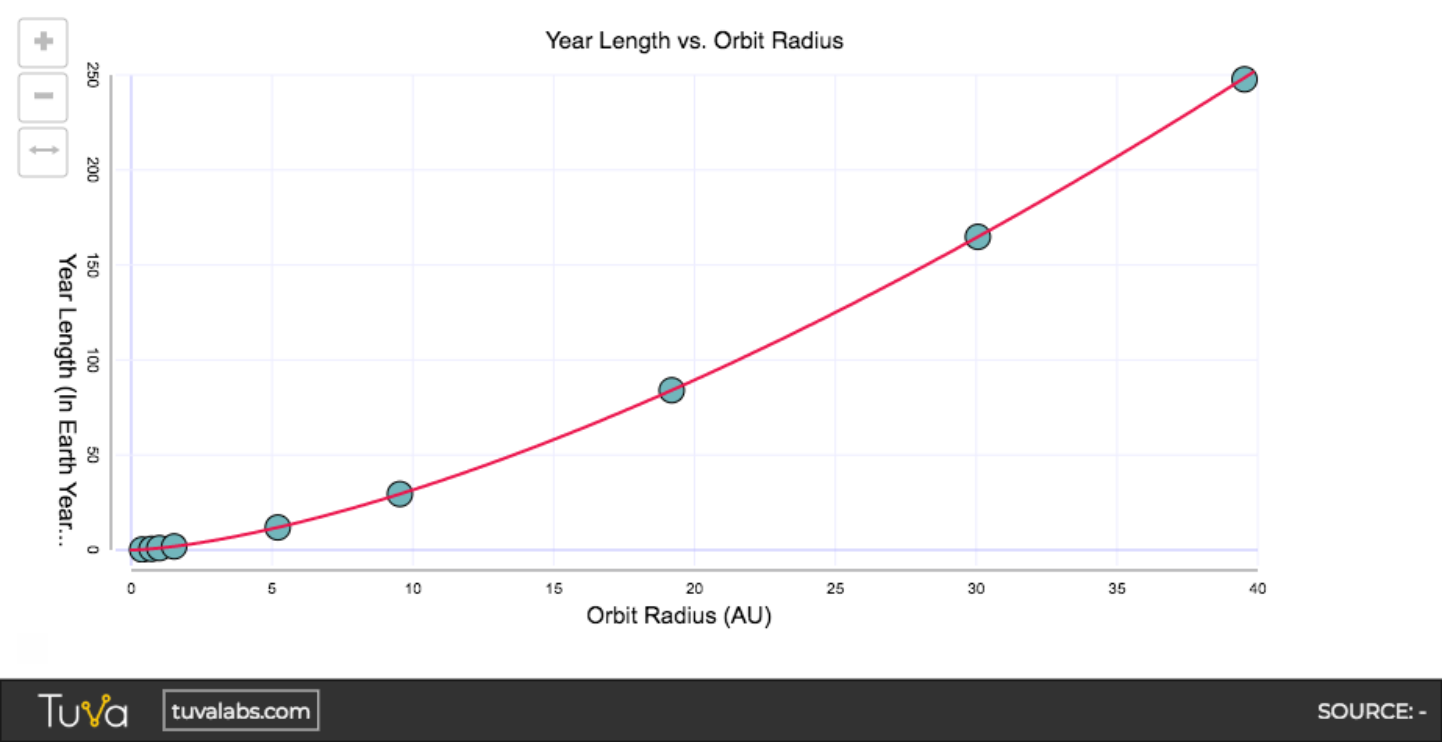
Power Law
Section titled “Power Law”y = xp [Check out a live link.]
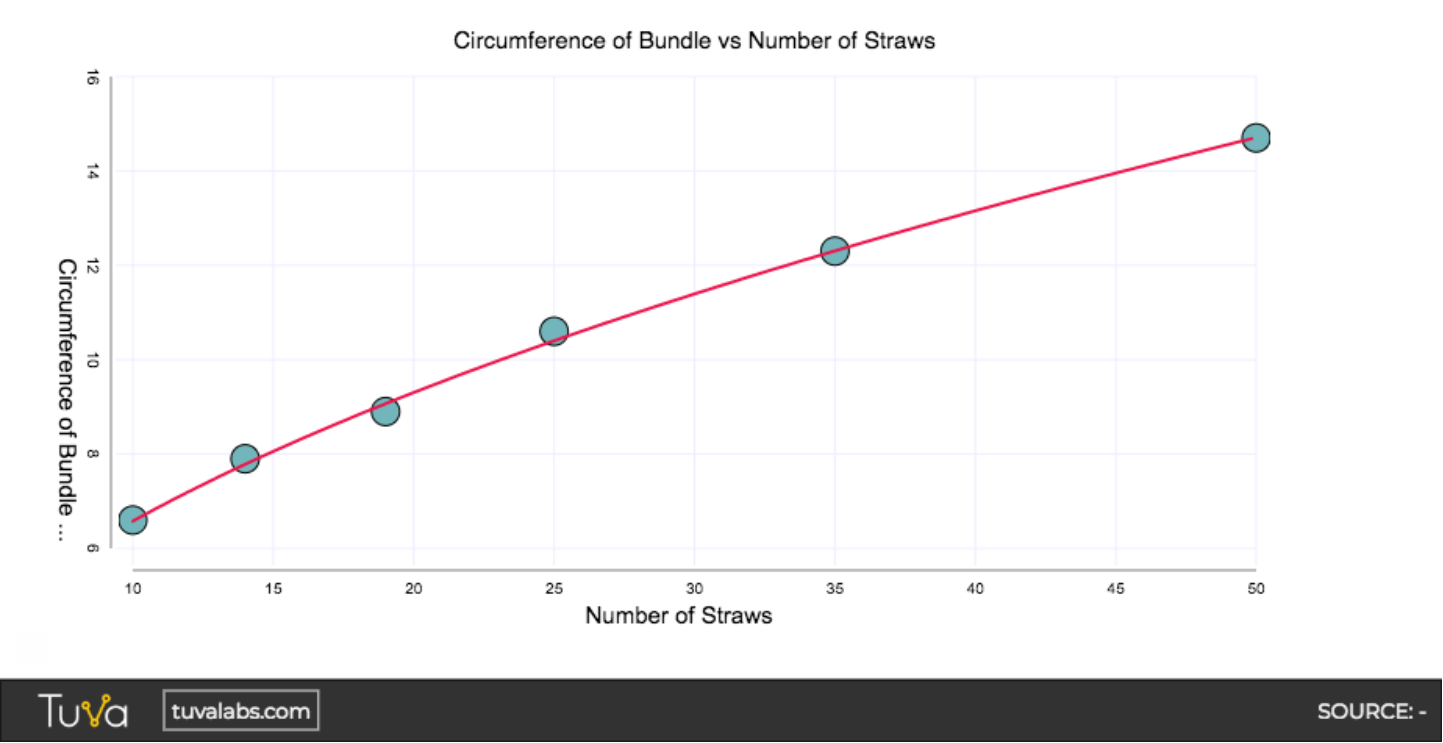
Square Root
Section titled “Square Root”y = √x [Check out a live link.]
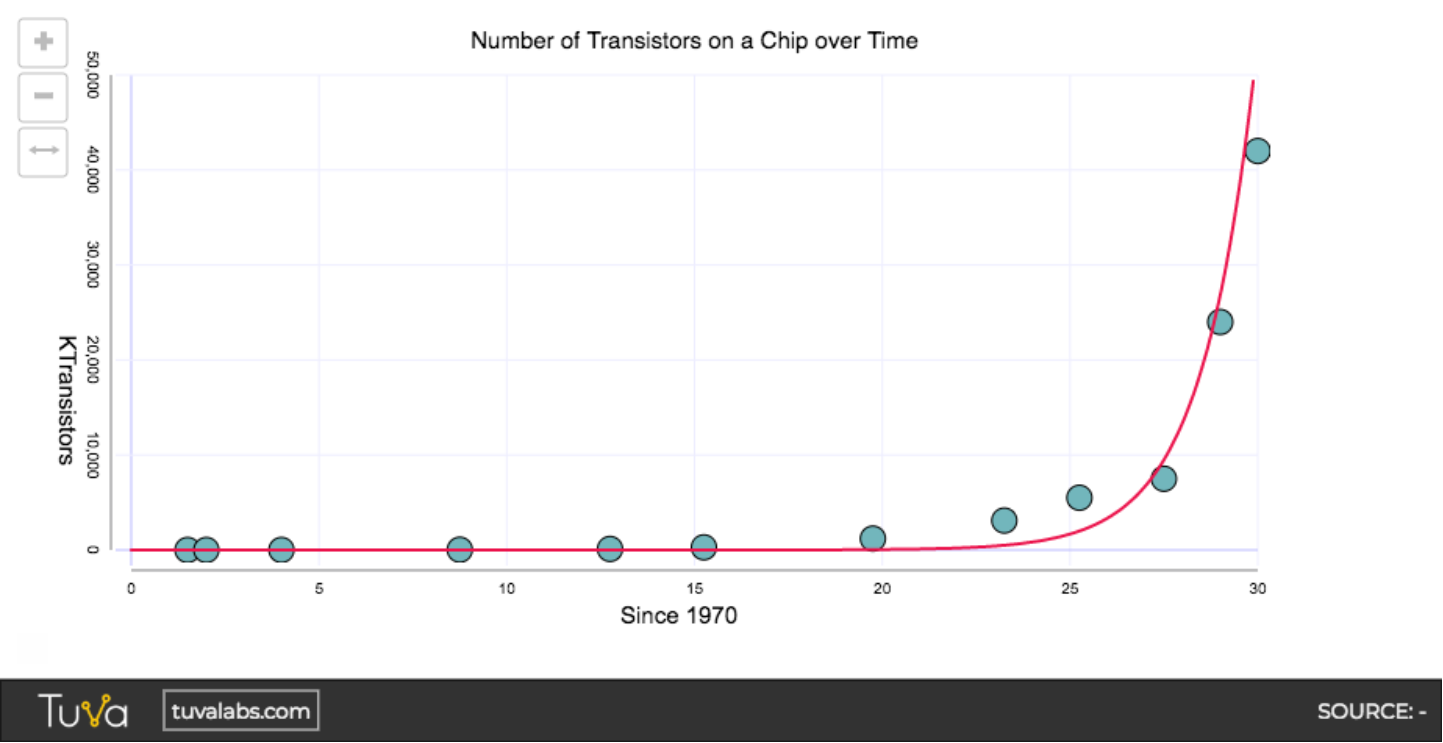
Exponential
Section titled “Exponential”y = bx2 [Check out a live link.]
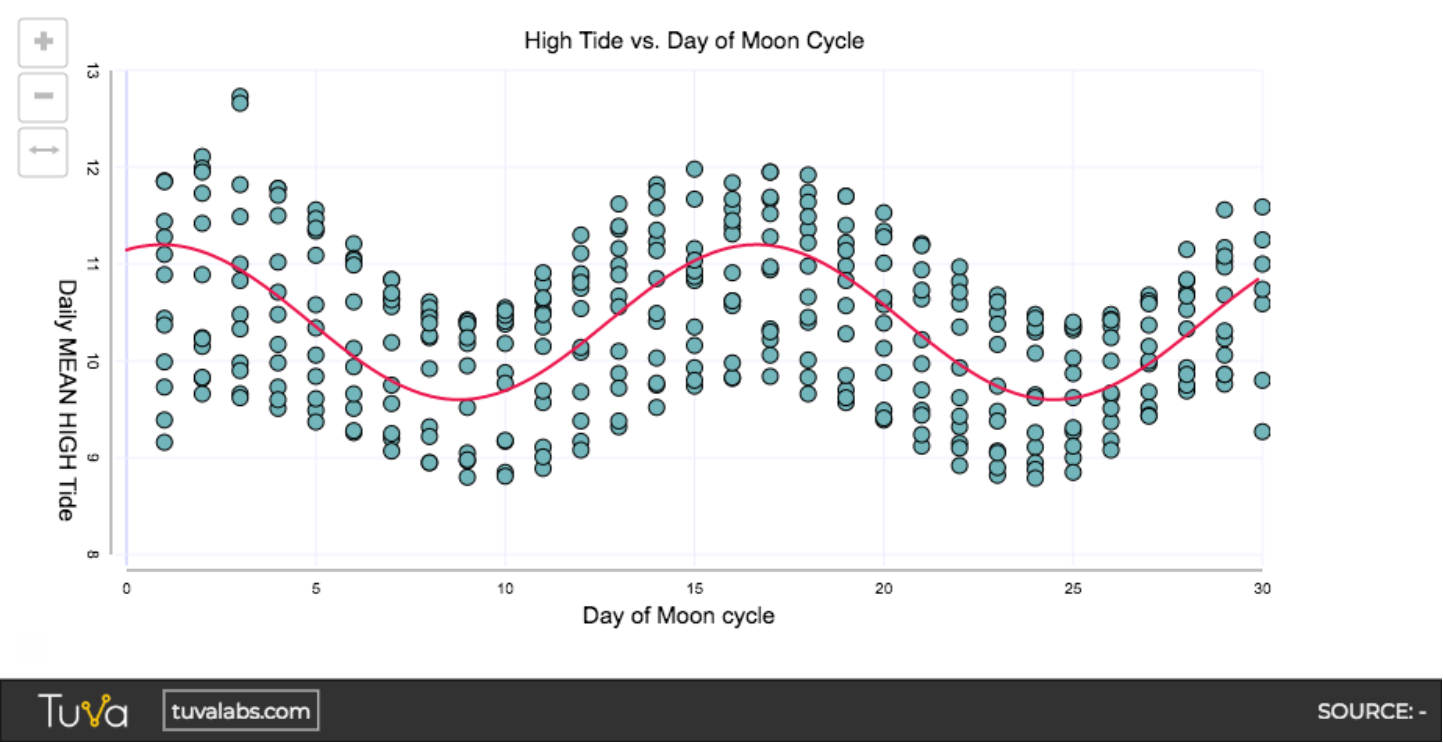
Sinusoidal
Section titled “Sinusoidal”y = sinx [Check out a live link.]
Was this page helpful?
This opens the ticket form with your comment and a link to this page, so we can reply to you.
Submit a ticket