
What to do if Google Workspace for Education has blocked access to Tuva
Google Workspace for Education requires 3rd party apps to be enabled for student access. If you see the message “Access blocked: Your institution’s admin needs to review Tuva” you should request access to Tuva from within the error message. Administrators can then allow access to Tuva by following the steps in this Google support article.
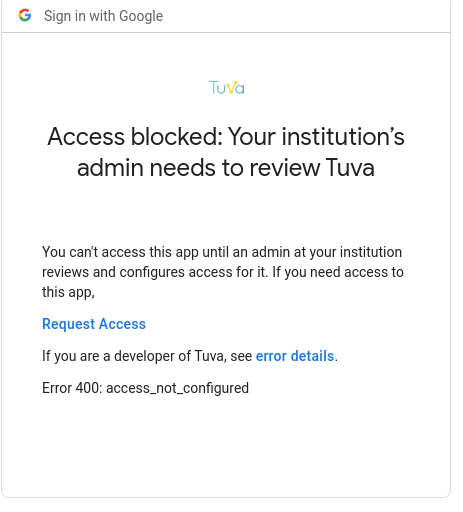
If you need help identifying your administrator, you can check out this Google support article.
Was this page helpful?
This opens the ticket form with your comment and a link to this page, so we can reply to you.
Submit a ticket