
-
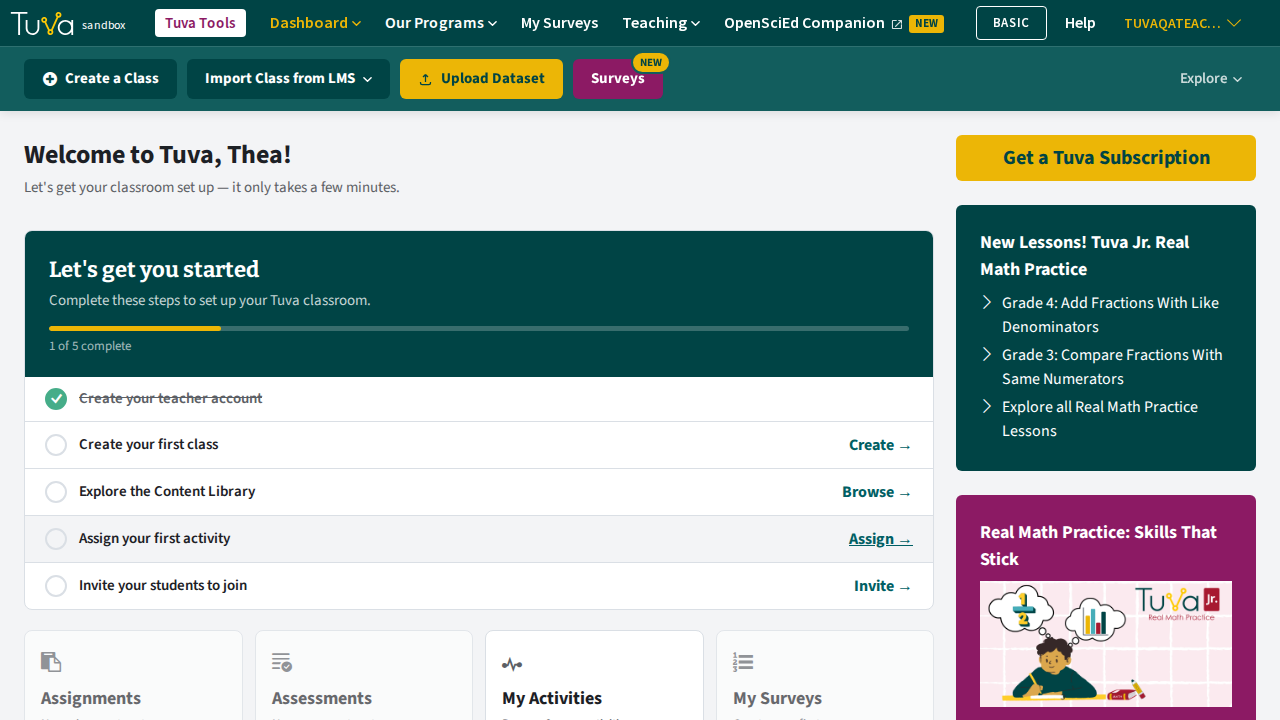
Go to your dashboard.
-
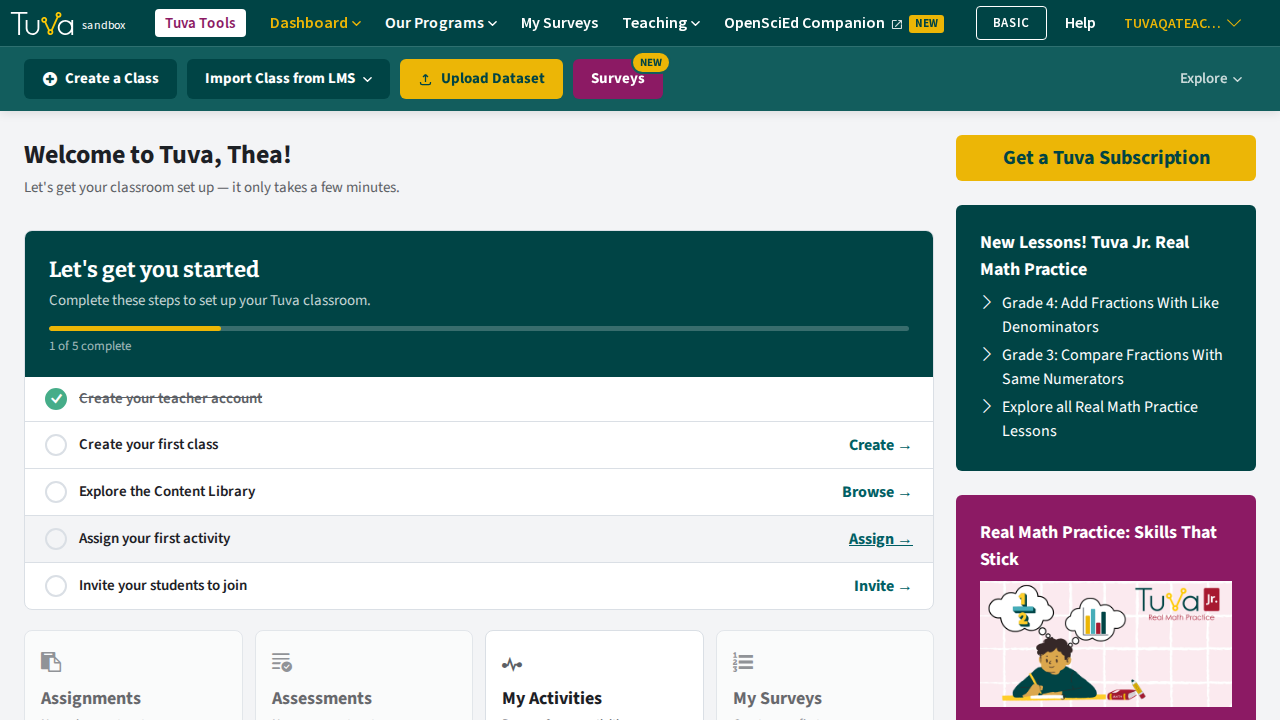
Click Create a Class in the bar at the top of the dashboard.
-
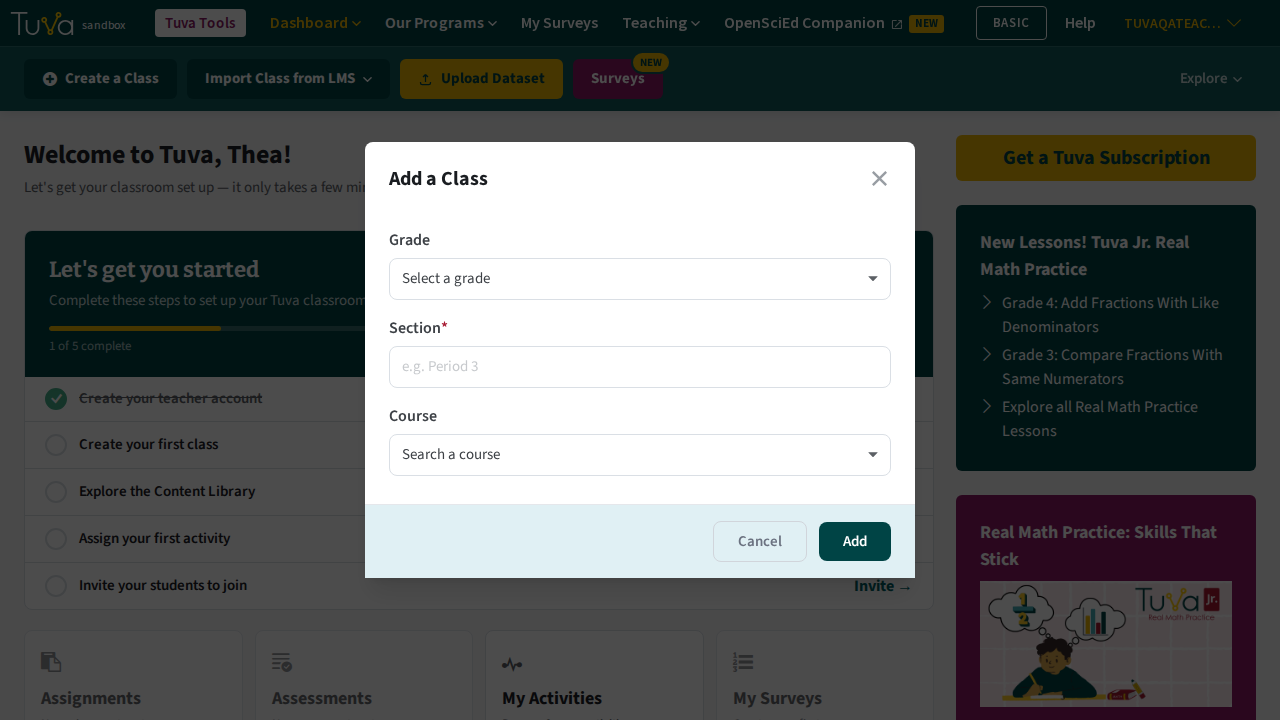
In the Add a Class pop-up, choose a Grade and enter a Section — Section is required. You can also attach a Course, which is optional.
-
Click Add. Your new class appears on the dashboard under My Classes.
Next steps
Section titled “Next steps”- Share your class code so students can create their own accounts and join — the quickest way to fill a roster.
- Add students by hand if you would rather create their accounts yourself.
- Already use Google Classroom? Import the roster instead.
- Using Clever? Register students with Clever.
- Once students are in, assign an activity.
Was this page helpful?
This opens the ticket form with your comment and a link to this page, so we can reply to you.
Submit a ticket