
-
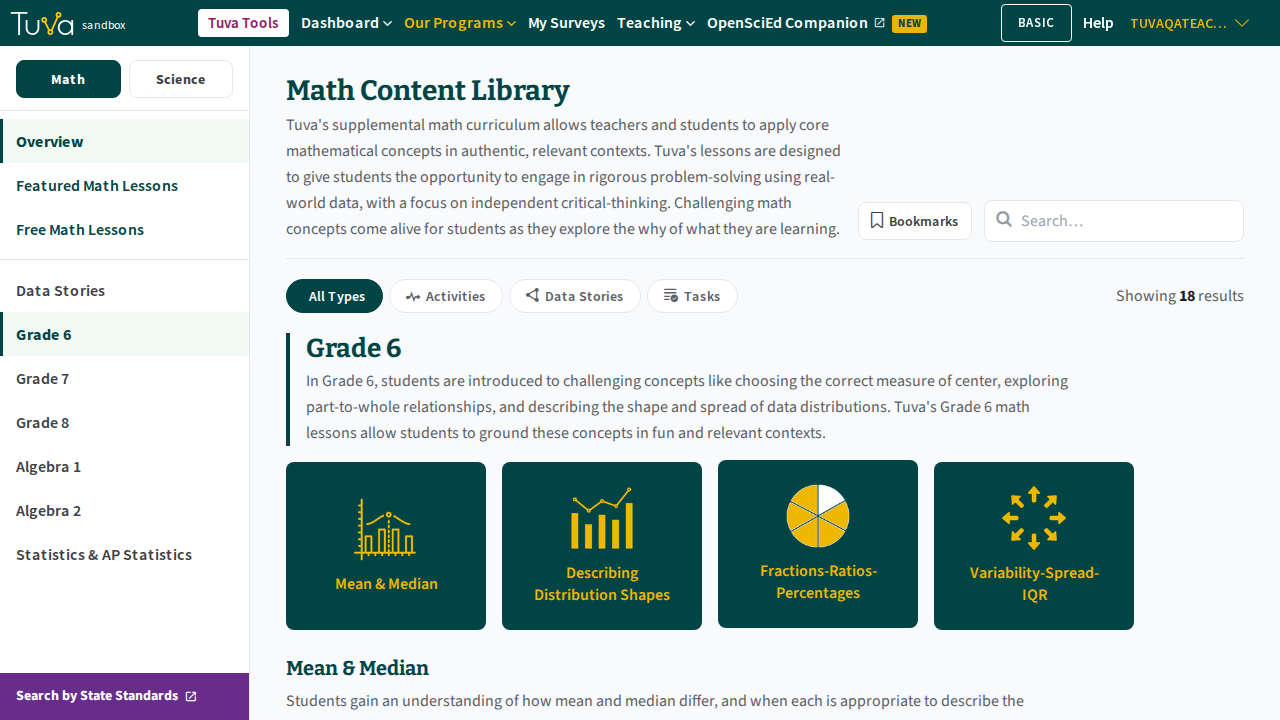
Go to the Content Library. Near the top of the page is a search bar.
-
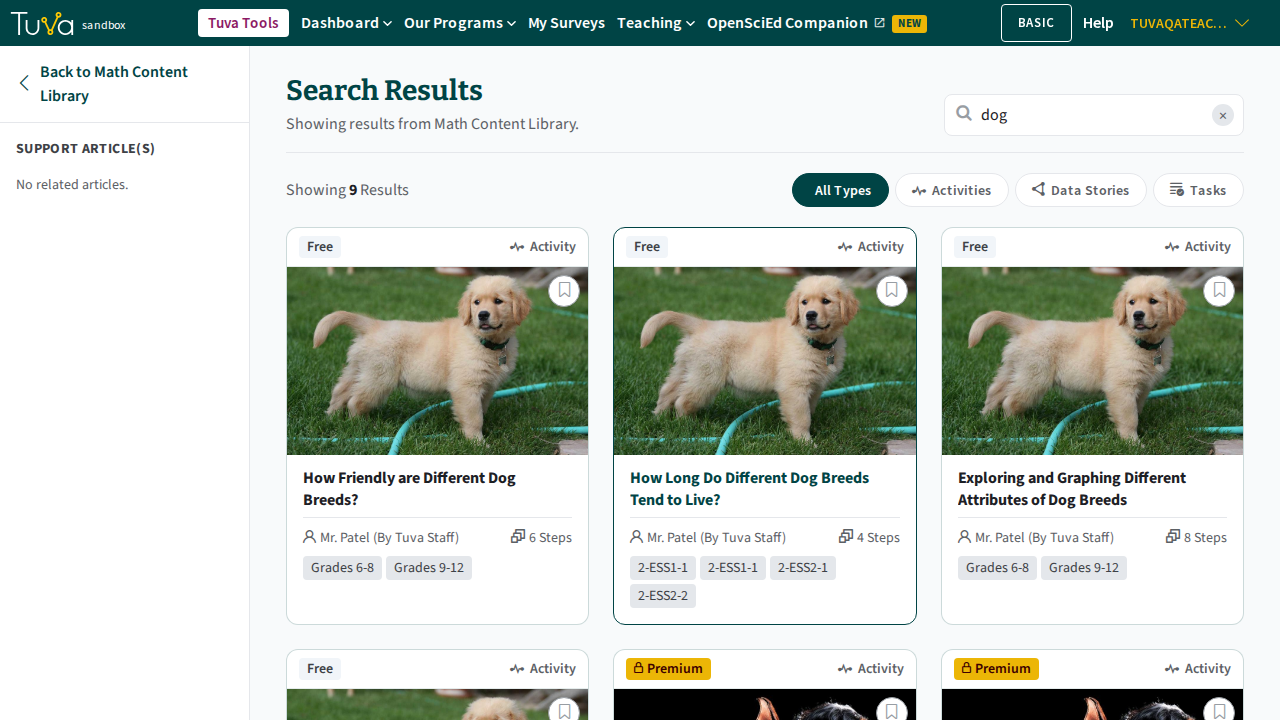
Type a word or phrase into the search bar and press Enter. You land on the Search Results page, showing a relevant, narrowed set of results — searching “dog”, for example, drops an 18-result library down to the activities, data stories, and tasks that actually mention dogs.
-
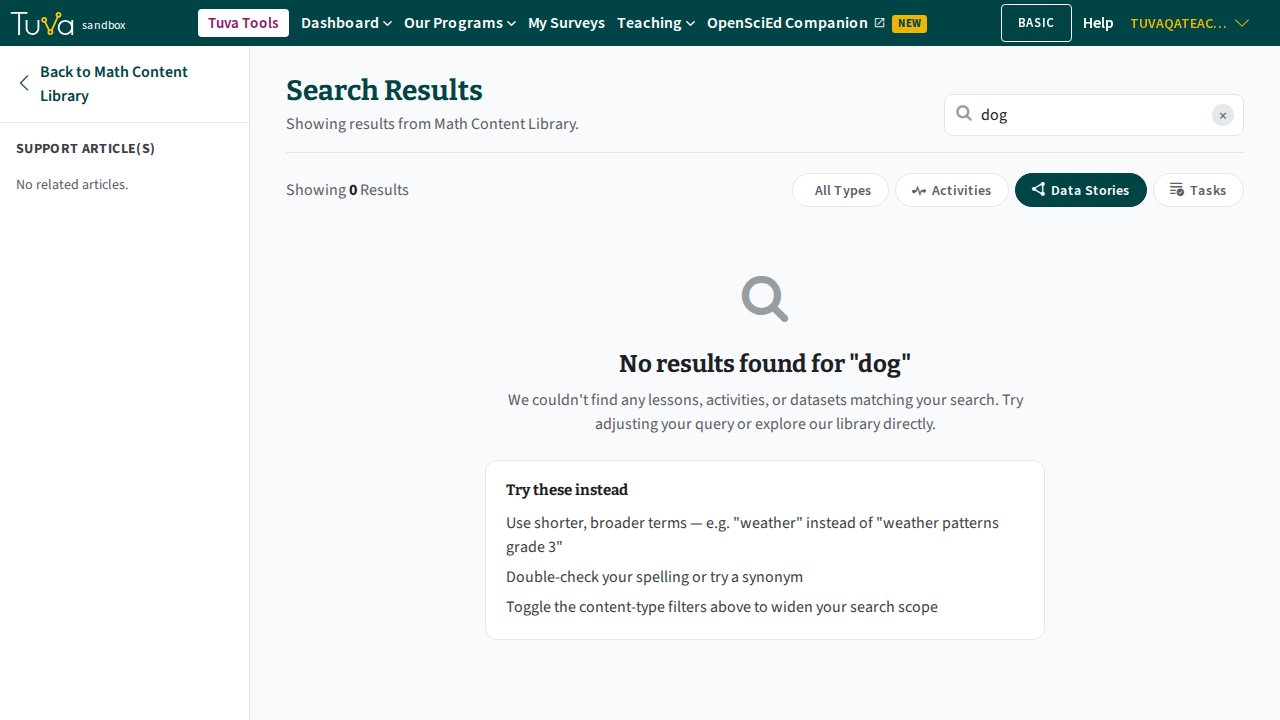
Use the filter buttons above the results — All Types, Activities, Data Stories, Tasks — to narrow further. Selecting one constrains the results to that content type; if nothing matches, you’ll see a “No results found” message instead of an error.
Was this page helpful?
This opens the ticket form with your comment and a link to this page, so we can reply to you.
Submit a ticket