
A Tuva Collection is a thematically grouped set of Tuva Datasets and Activities. To find them and use them, follow the steps below.
-
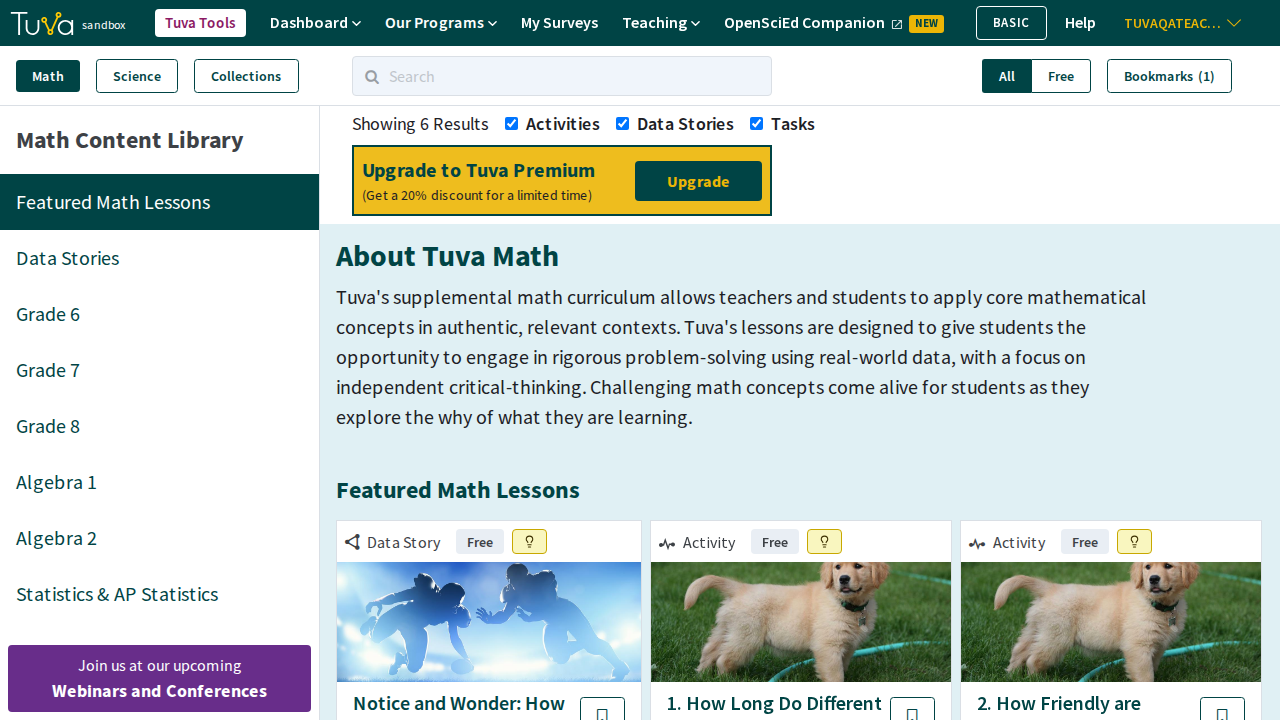
Go to the Tuva content library at tuvalabs.com/content-v2 while you’re signed in. It opens on the Math Content Library. In the top left of the page, click the “Collections” button, beside “Math” and “Science.” The top navigation menu has no “Collections” item, so use this address or save it as a bookmark in your browser.
-
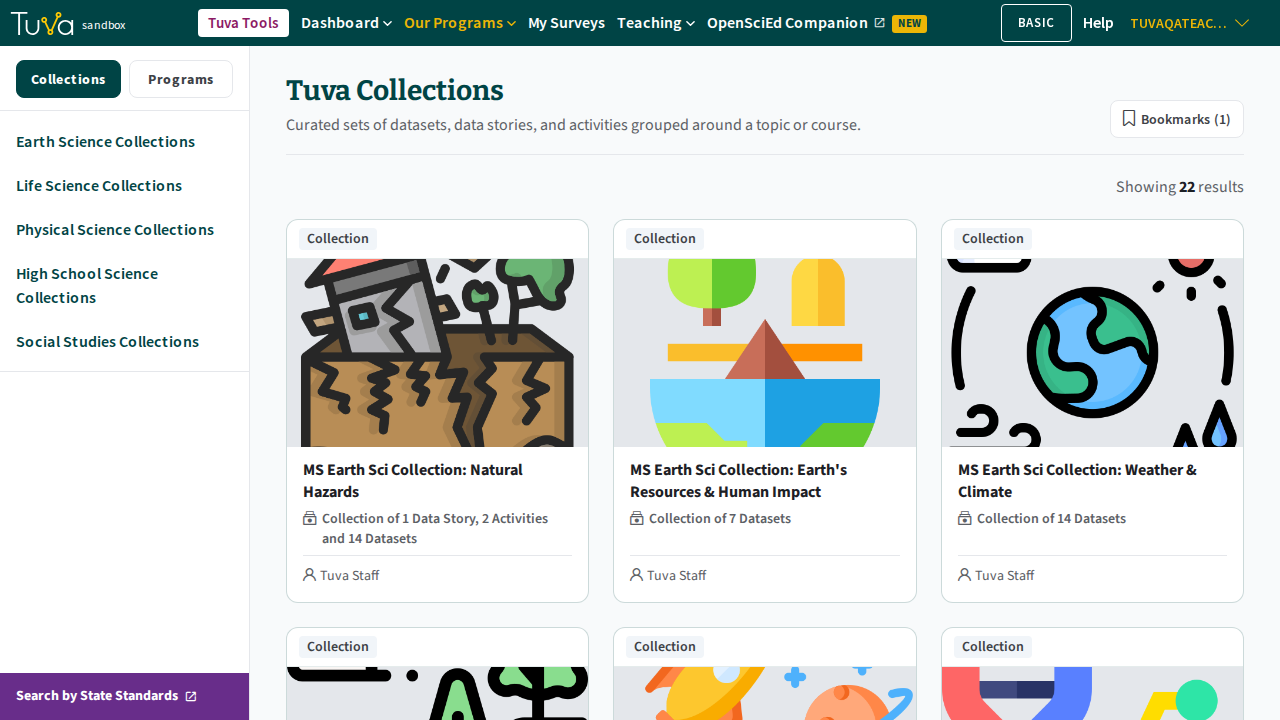
You’re now on the Tuva Collections page. The buttons at the top left switch between “Collections” and “Programs,” and the list under them narrows the collections by subject: Earth Science, Life Science, Physical Science, High School Science and Social Studies.
-
Scroll down, reading through the different Tuva Collections.
-
When you find a Tuva Collection you would like to use with your students, click on it.
-
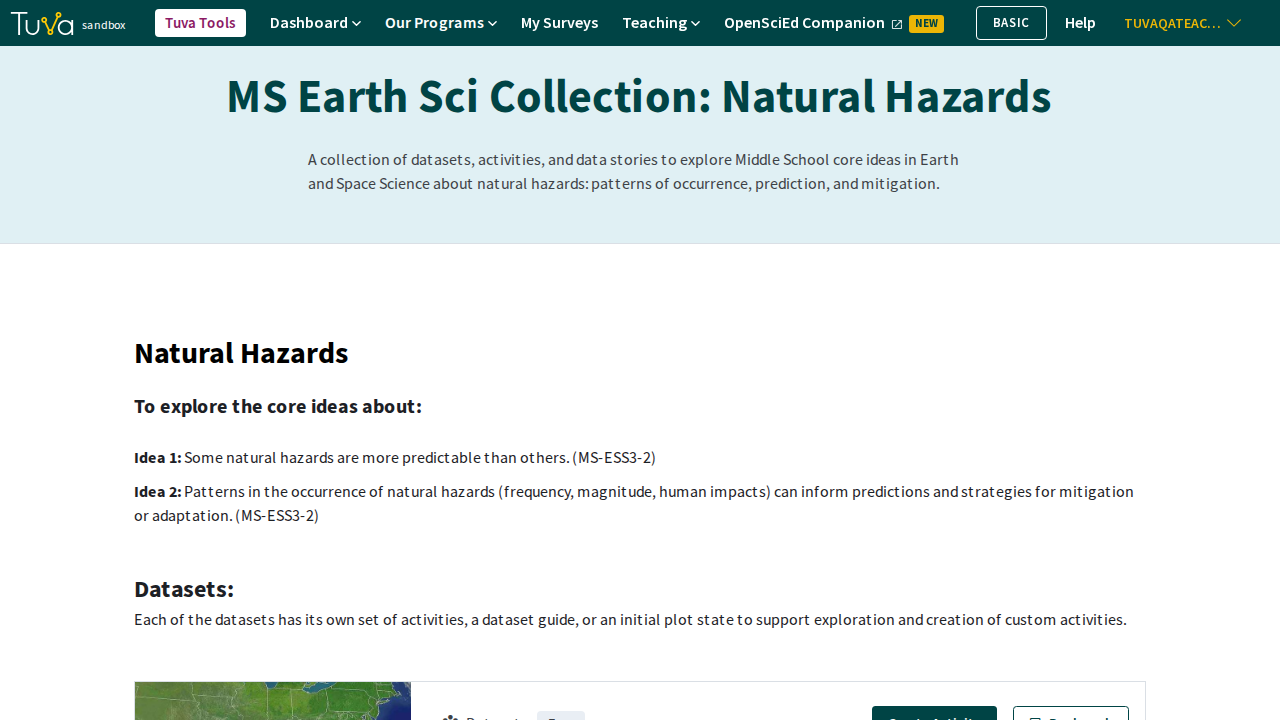
Once you’re on a specific Tuva Collection, begin to scroll down the page. You will be presented with the core ideas students will explore using the collection’s Tuva Datasets and Activities.
-
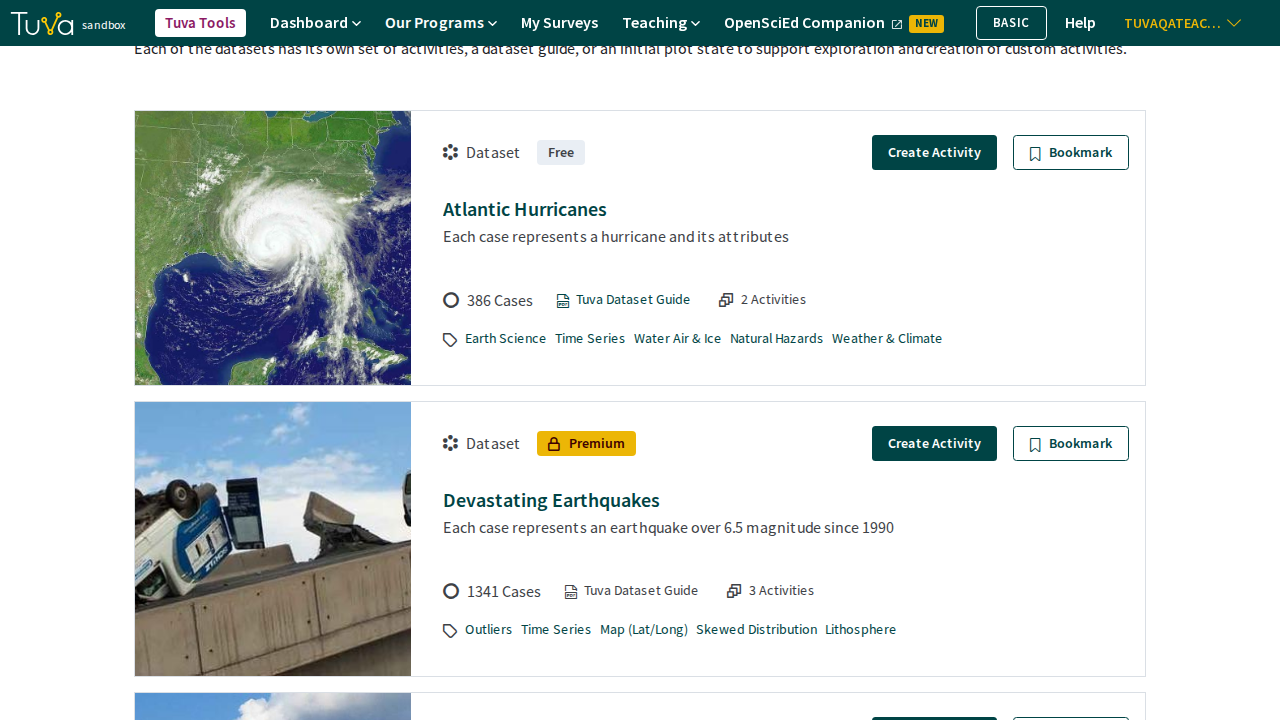
Continue to scroll to reveal the Tuva Datasets, each with its own activities or dataset guide. Click “Create Activity” to build your own activity on a dataset, “Bookmark” to save it, or look through its activities to find one you want to assign to your class.
Was this page helpful?
This opens the ticket form with your comment and a link to this page, so we can reply to you.
Submit a ticket