
-
From your dashboard, click the class you want to update.
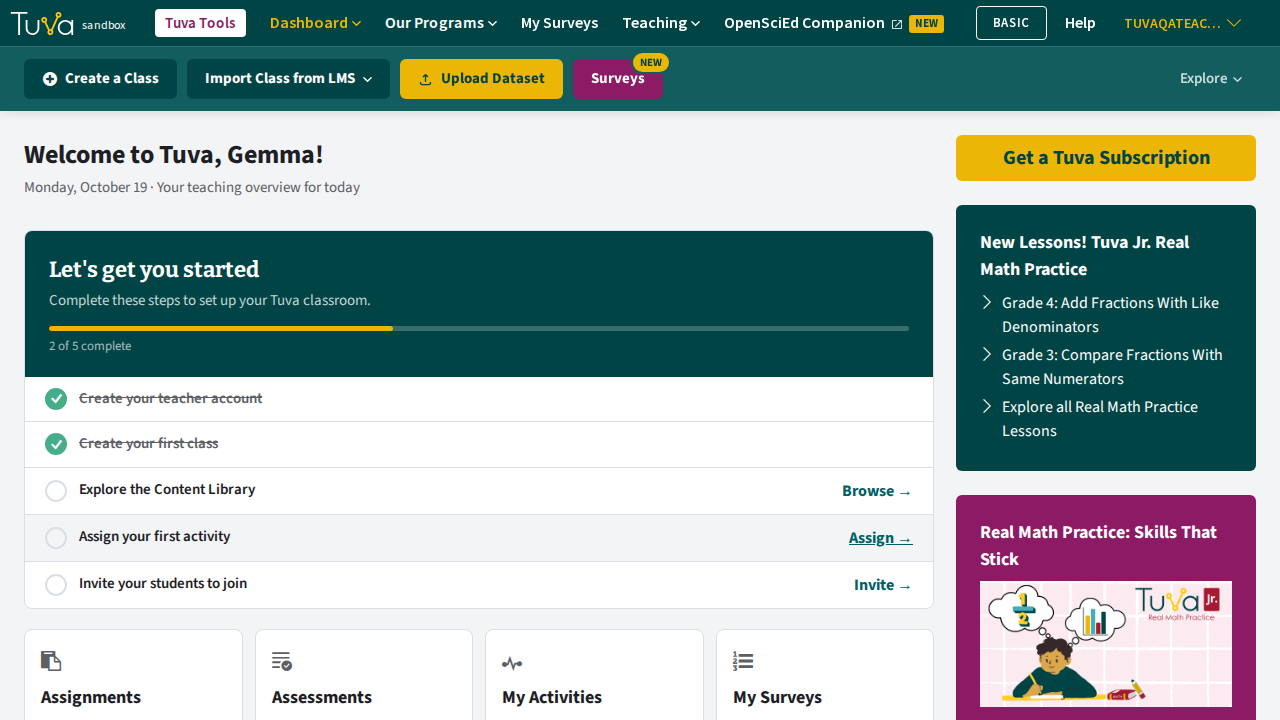
-
Open the Settings tab on the classroom navigation menu.
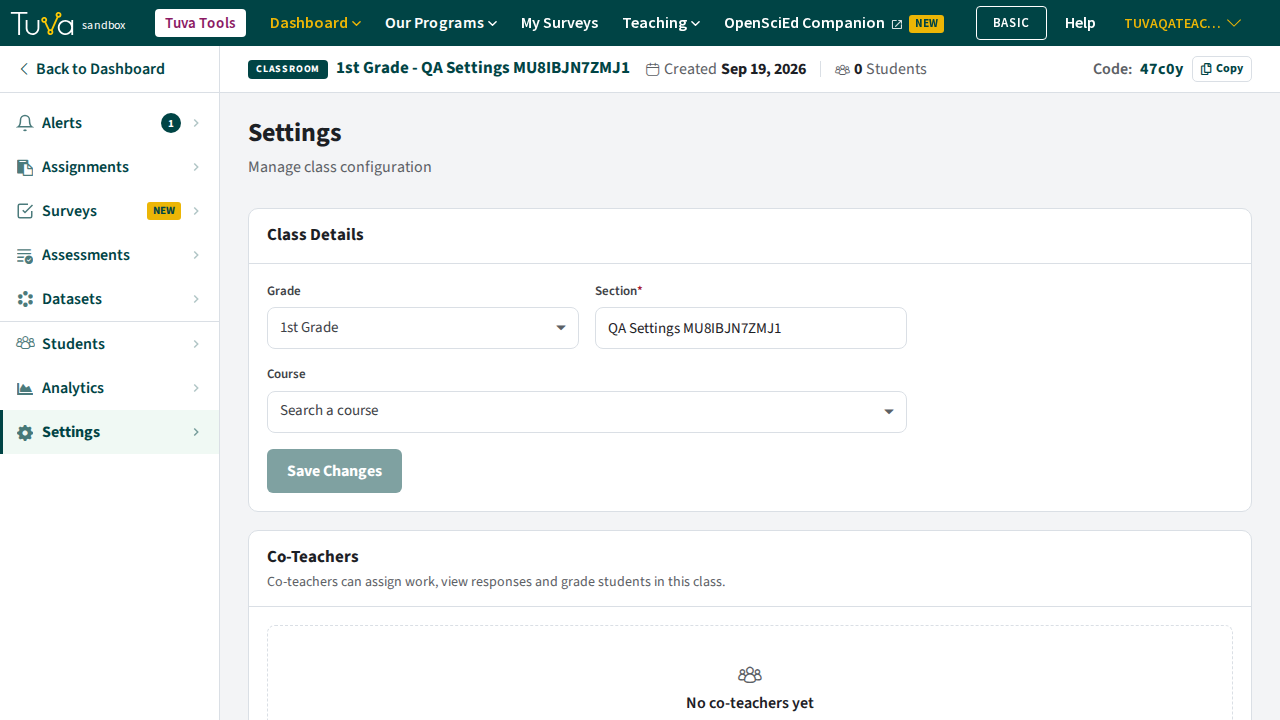
-
Change Grade or Section, and attach a Course if you want one — Course is optional. Click Save Changes. The button stays disabled until you have actually changed something.
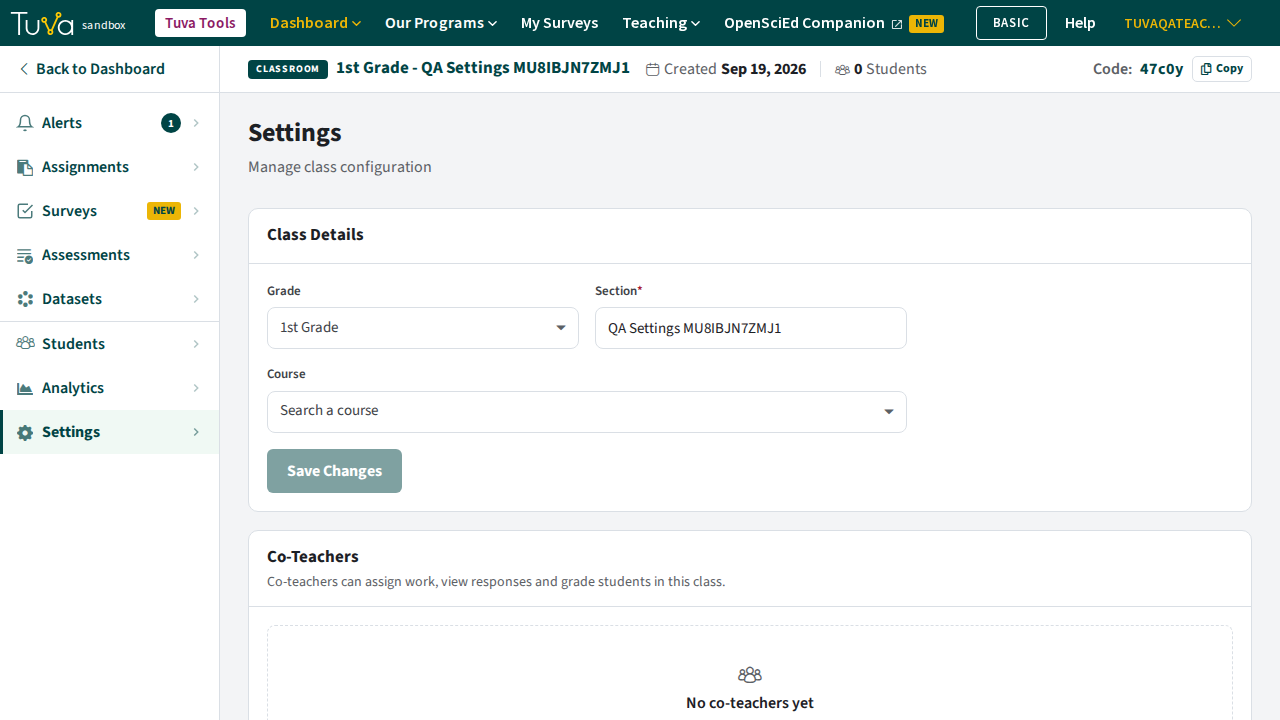
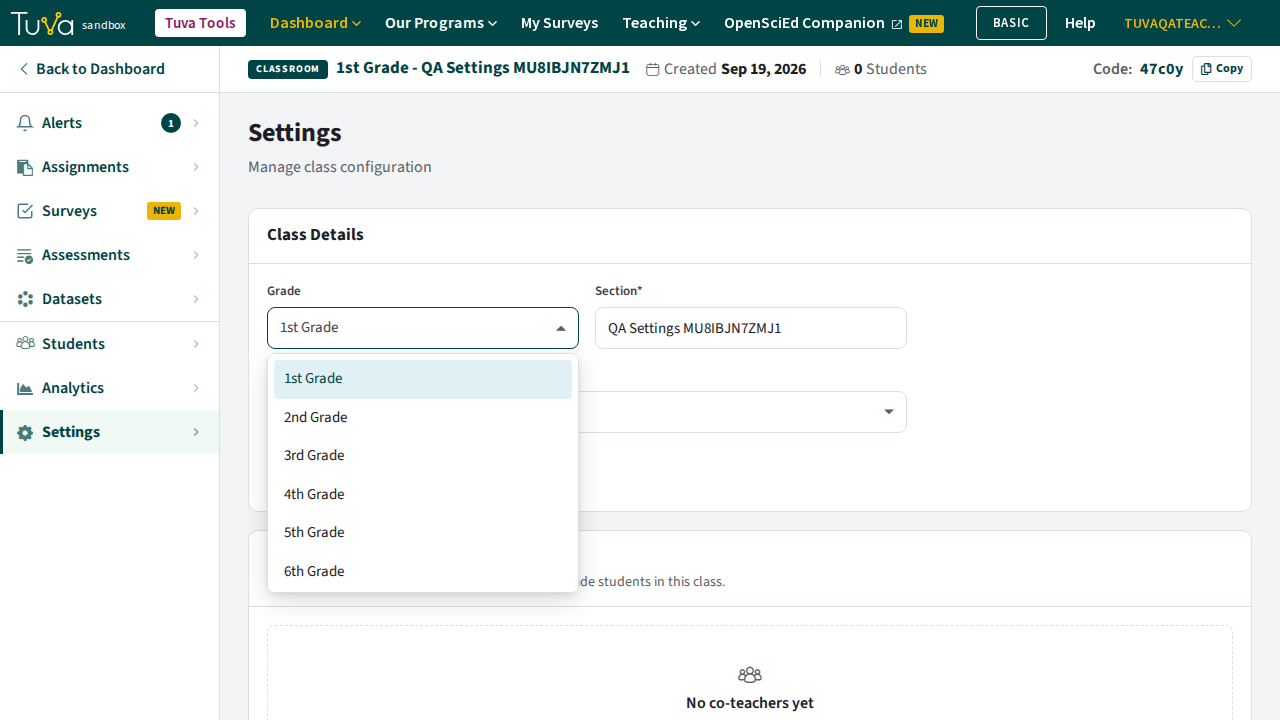
Your changes are kept when you reload the page.
What else is on the Settings tab
Section titled “What else is on the Settings tab”The tab carries more than the class details:
- Co-Teachers, for sharing the class with another teacher
- Archive Class, which hides the class and can be undone
- Delete Class, which is permanent
Was this page helpful?
This opens the ticket form with your comment and a link to this page, so we can reply to you.
Submit a ticket