
If your student forgets their password and you need to update their password, follow the steps outlined below.
-
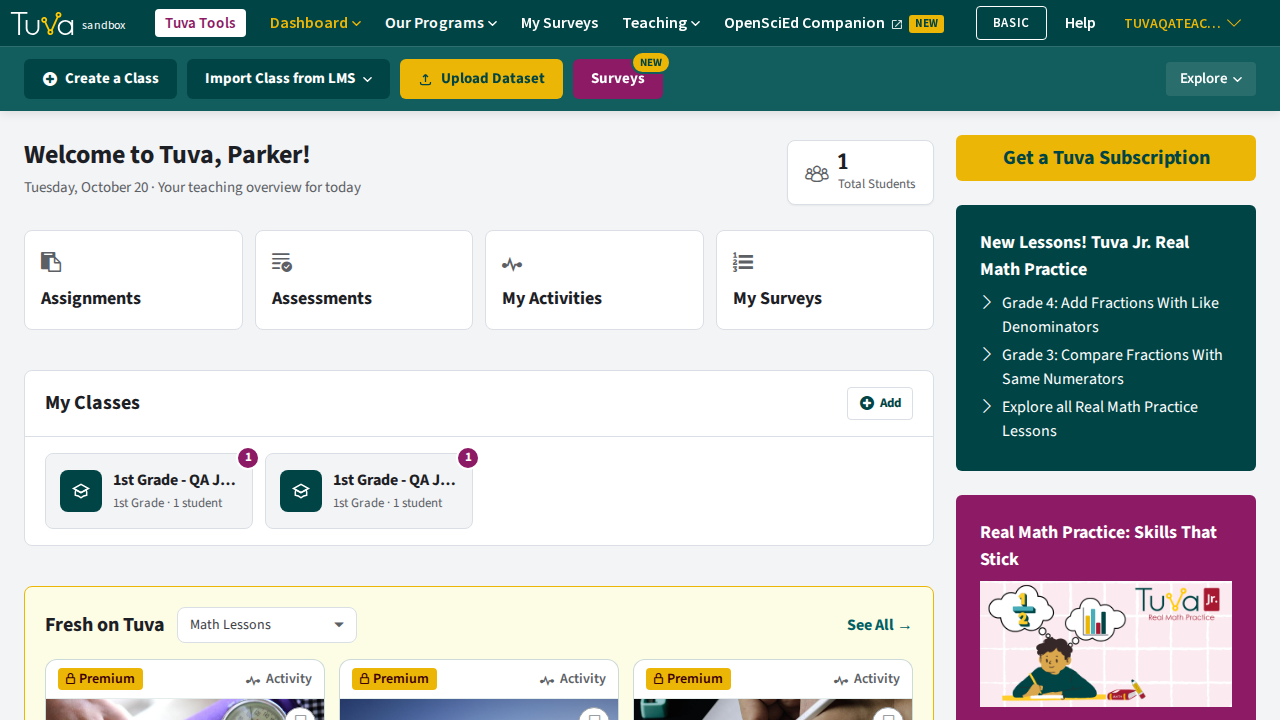
From your dashboard, select the classroom containing the student or students whose passwords need to be updated.
-
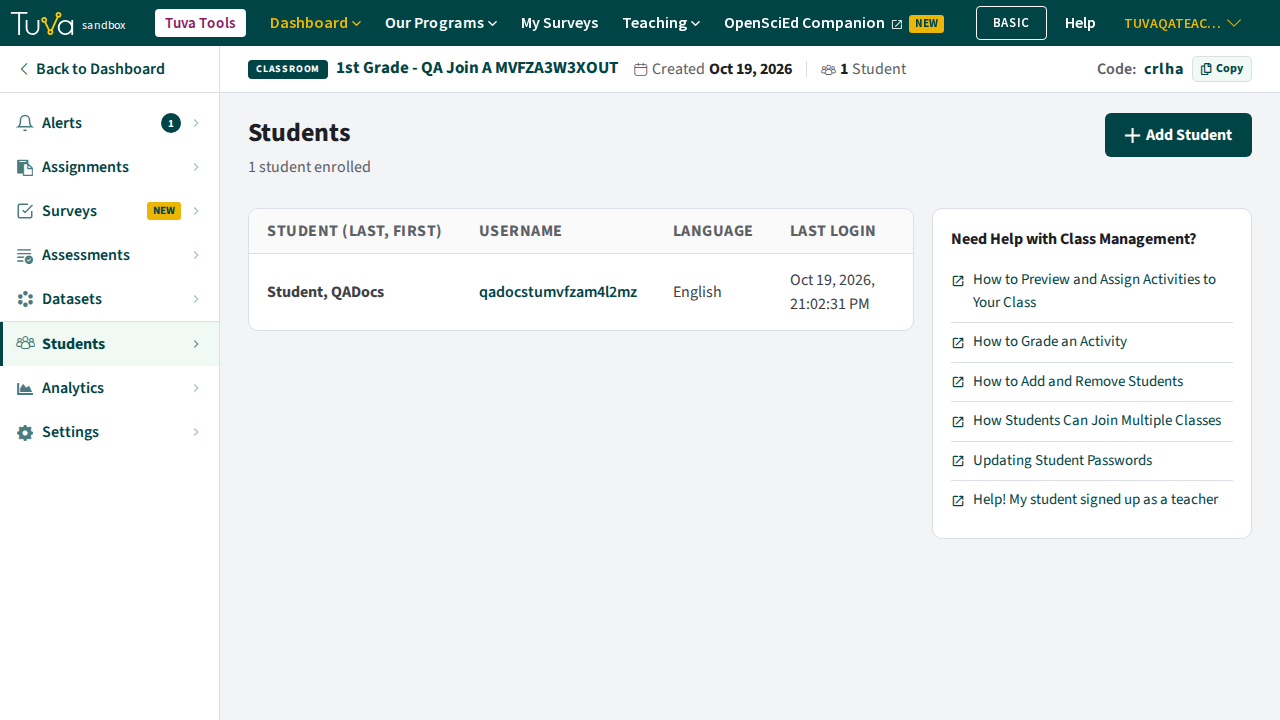
Then, select the student tab in your classroom.
-
Click the edit button for the student whose password needs updating.
-
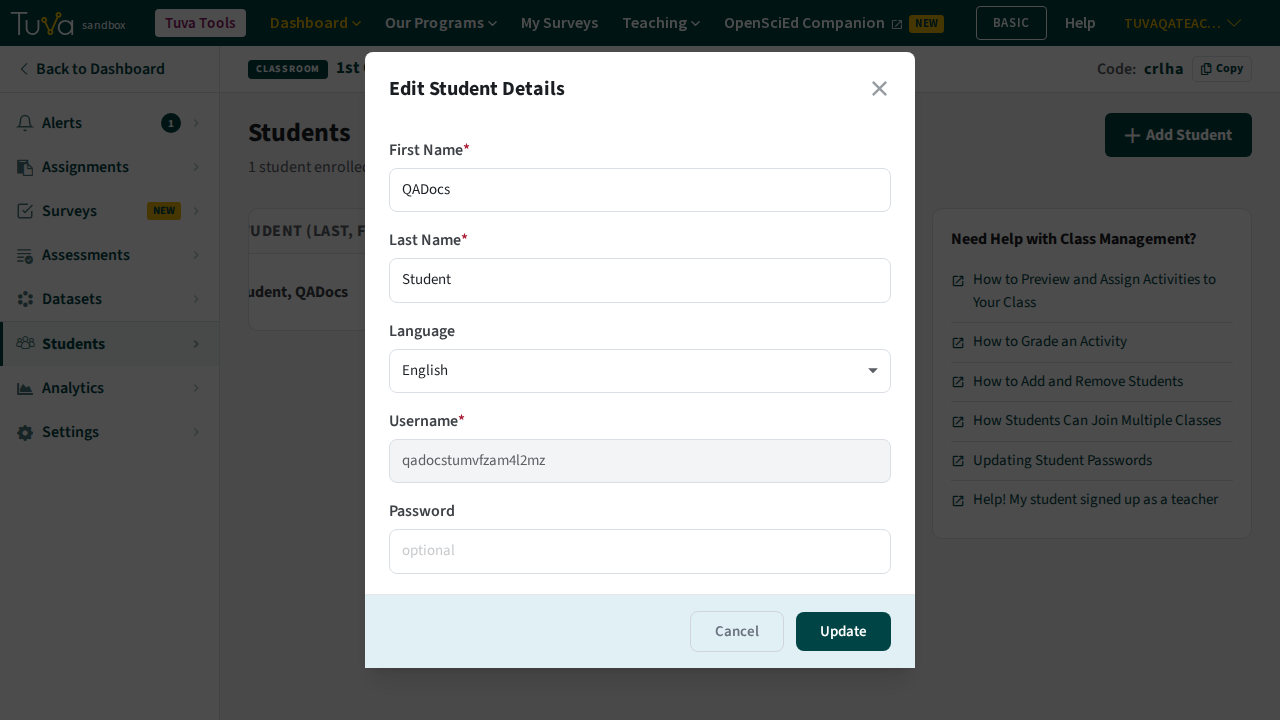
Update the password field to give this student a new password and click update.
Was this page helpful?
This opens the ticket form with your comment and a link to this page, so we can reply to you.
Submit a ticket