
-
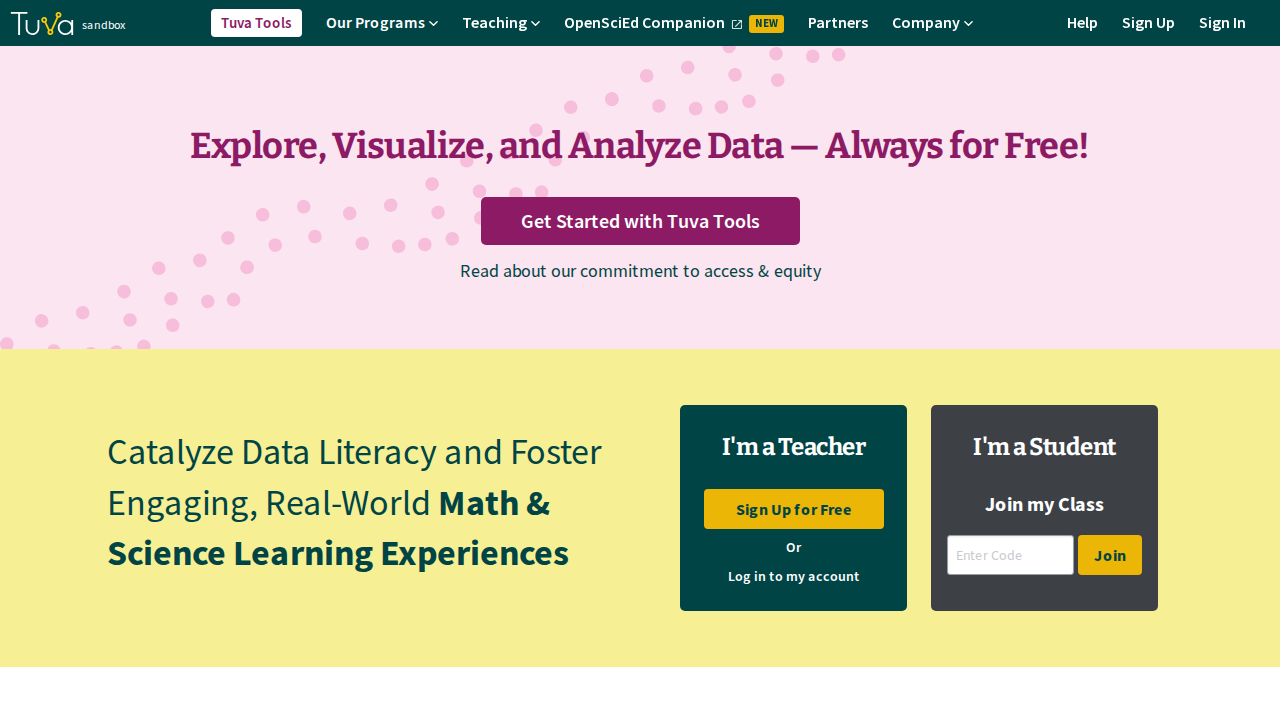
Go to tuvalabs.com.
-
Click Sign Up at the top right.
-
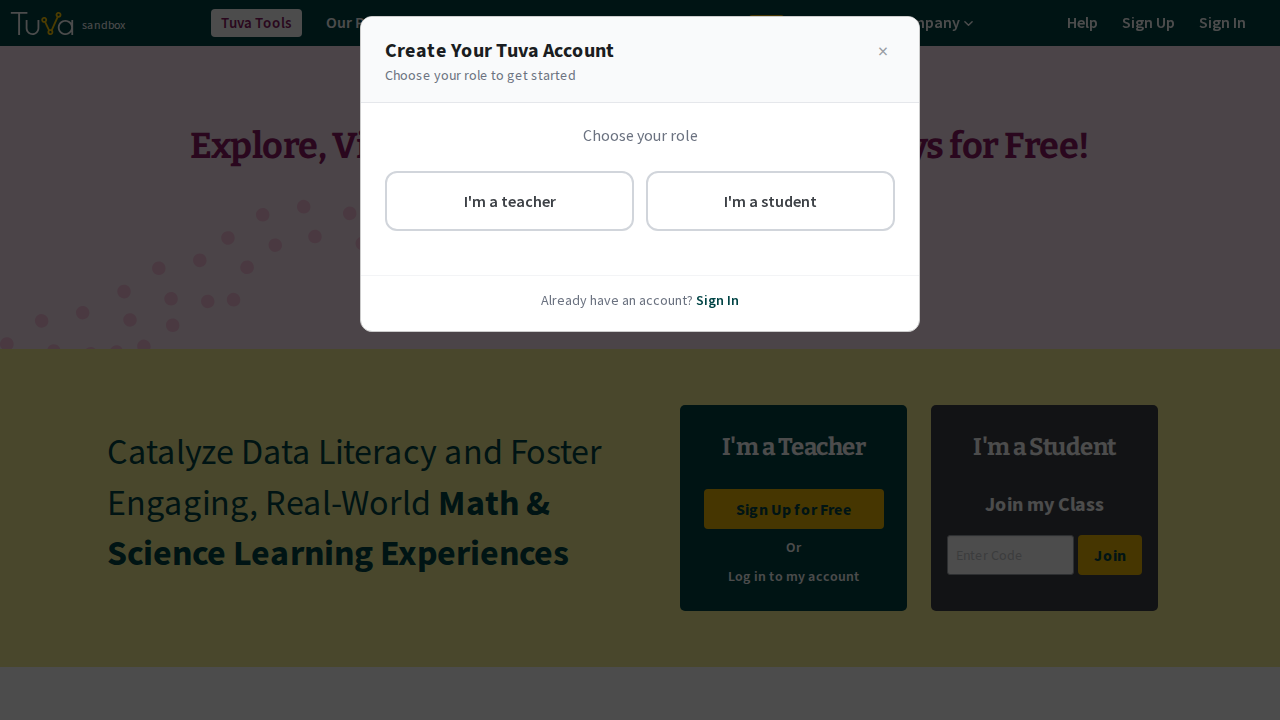
Choose I’m a teacher when asked whether you are a teacher or a student.
-
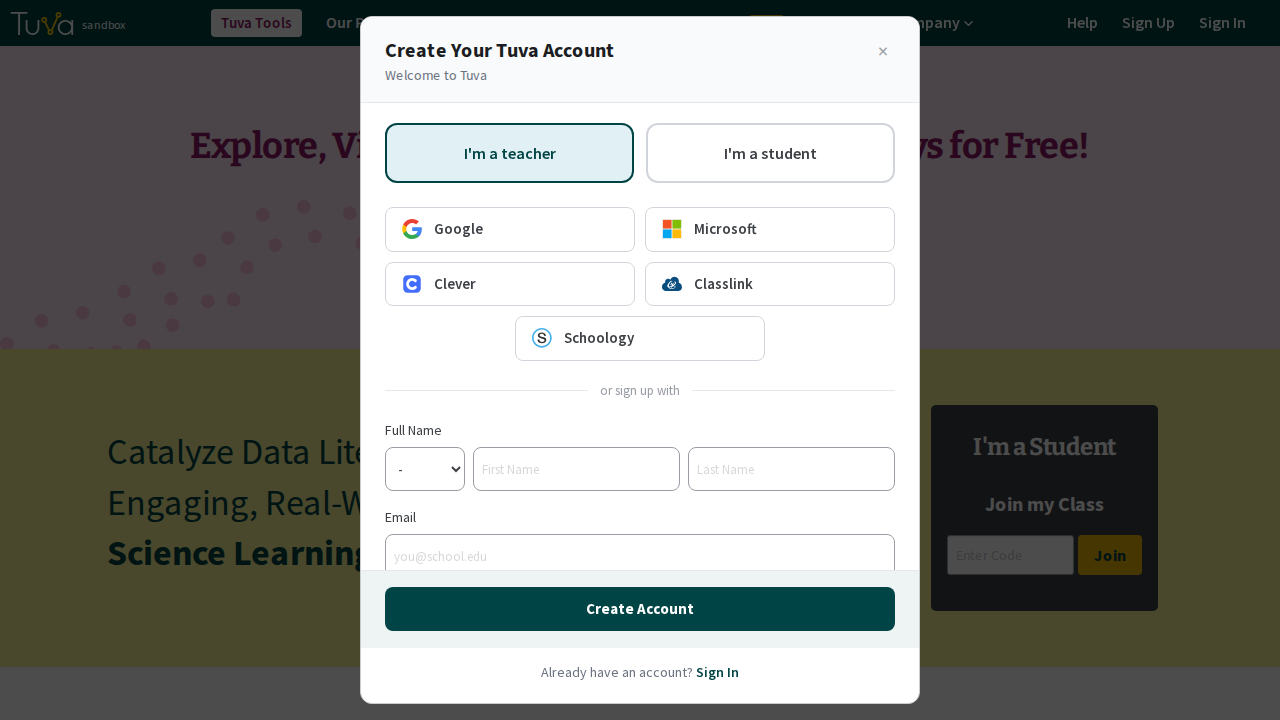
Complete the account creation form.
-
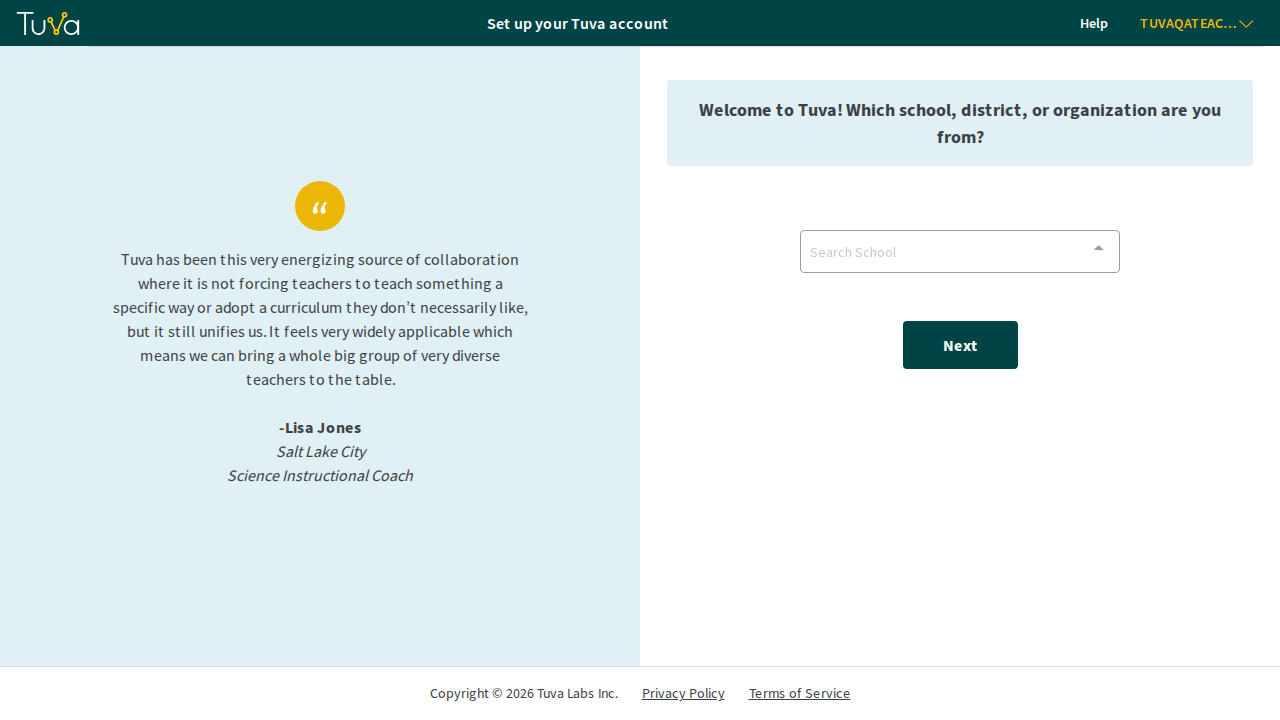
Tuva then asks a few questions to set up your account. You will be asked for:
- the school, district, or organization you are from
- your role at that organization
- the grade band and subject you teach
- the instructional practices you are most interested in
-
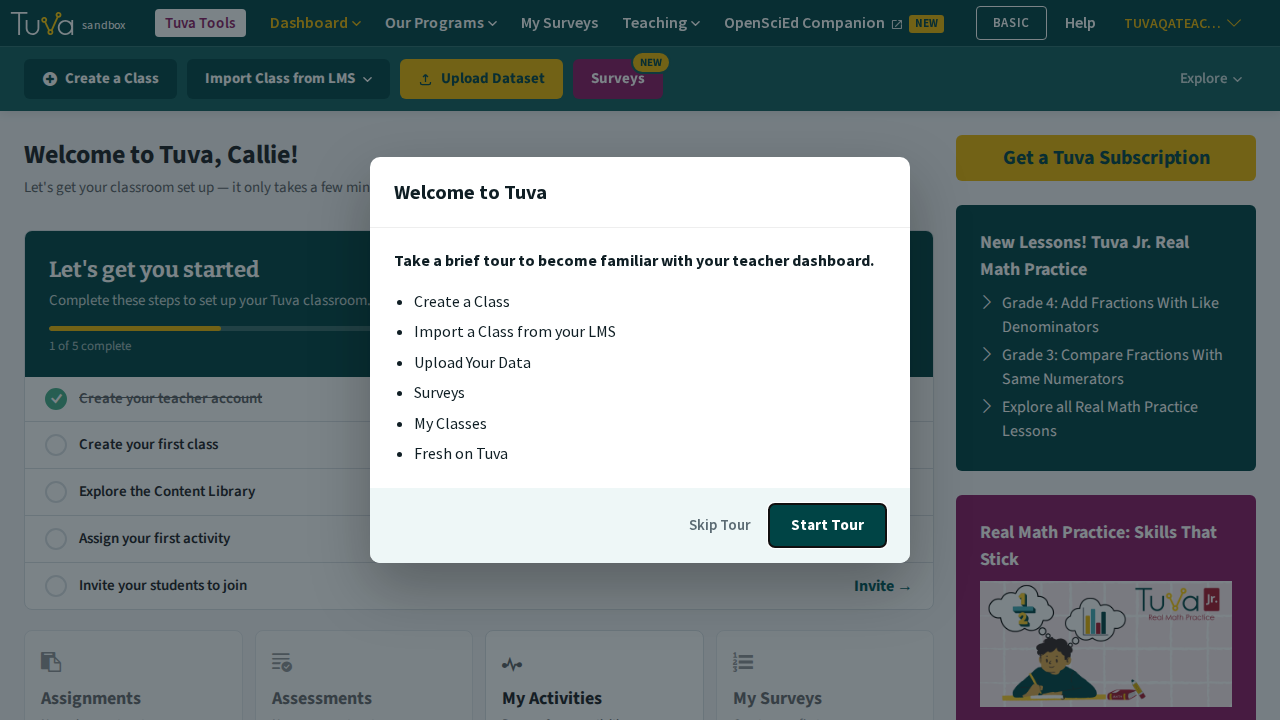
When you finish, you land on your dashboard with a checklist to set up your first class.
Next steps
Section titled “Next steps”- Getting started with Tuva: your first lesson, end to end.
- Create a class to assign work to.
Was this page helpful?
This opens the ticket form with your comment and a link to this page, so we can reply to you.
Submit a ticket